TikTok, a social media platform that has already been banned in many countries and facing restrictions in the US, TikTok is under intense scrutiny due to concerns about data collection, you must set TikTok Privacy Settings. Given this, you may want to be mindful of the information you share on the app and with your followers. Here are some settings you can adjust to improve your privacy.
TikTok Privacy Settings1: Set Your TikTok Account to Private
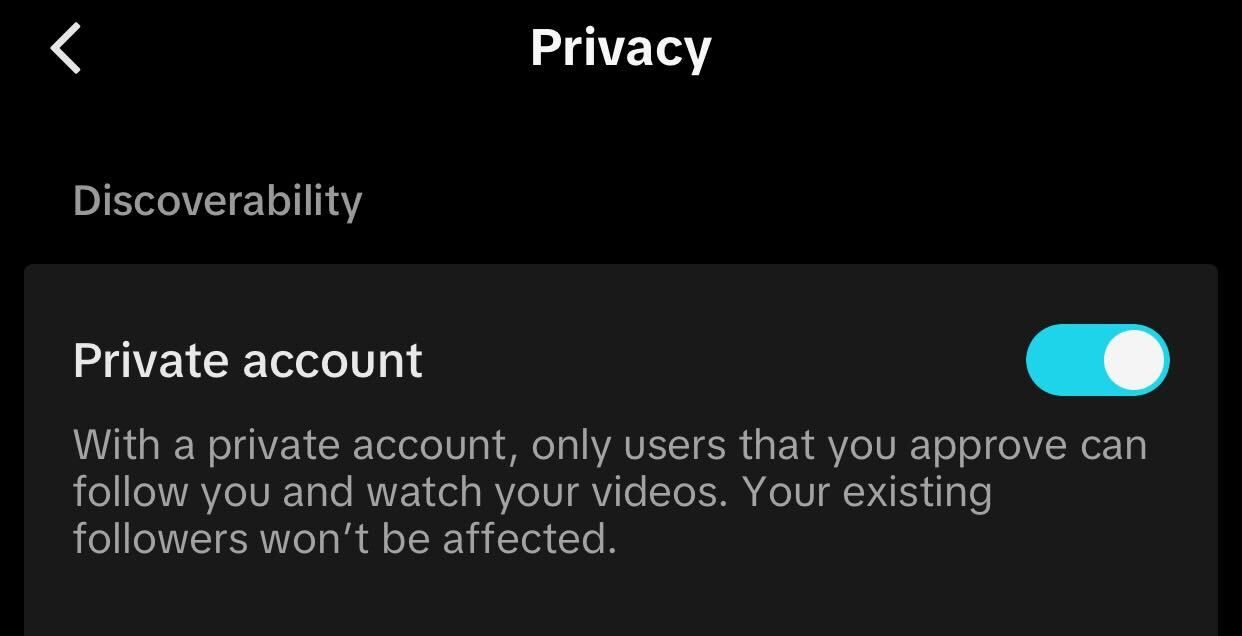
When your profile is public, anyone, whether they have a TikTok account or not, can view your profile and the content you’ve shared. By setting your account to private, only people you approve as followers can see your profile and content. So, to keep your content within a trusted circle of friends and family, you should make your account private.
To do that, tap the profile icon in the bottom-right corner, then tap the three horizontal lines in the top-right corner. Select Settings and Privacy > Privacy, and toggle “Private Account” on.
TikTok Privacy Settings
Disable your TikTok Activity Status
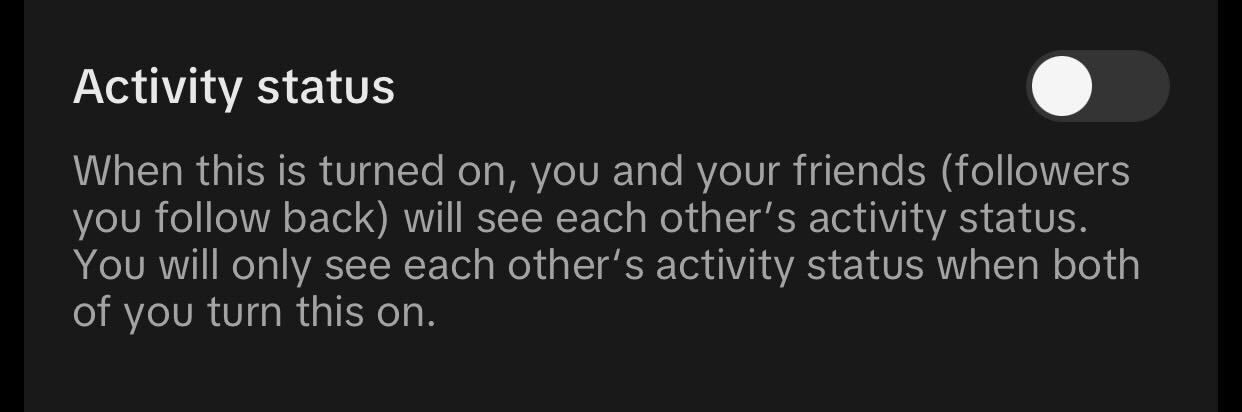
TikTok’s Activity Status feature lets your mutual followers, users you follow who also follow you back, see a green dot on your profile, inbox, and message threads, indicating that you’re active. They can also see when you were last active. For this feature to work, both you and your follower must have it enabled.
So, if you prefer to browse videos without alerting your followers that you’re online, you should turn off this feature. This will prevent others from seeing your activity status, regardless of whether they have it enabled. To do this, go to Settings and Privacy > Privacy, and toggle off “Activity Status.”
Limit Who Can Mention, Tag, or Comment on Your Posts on TikTok
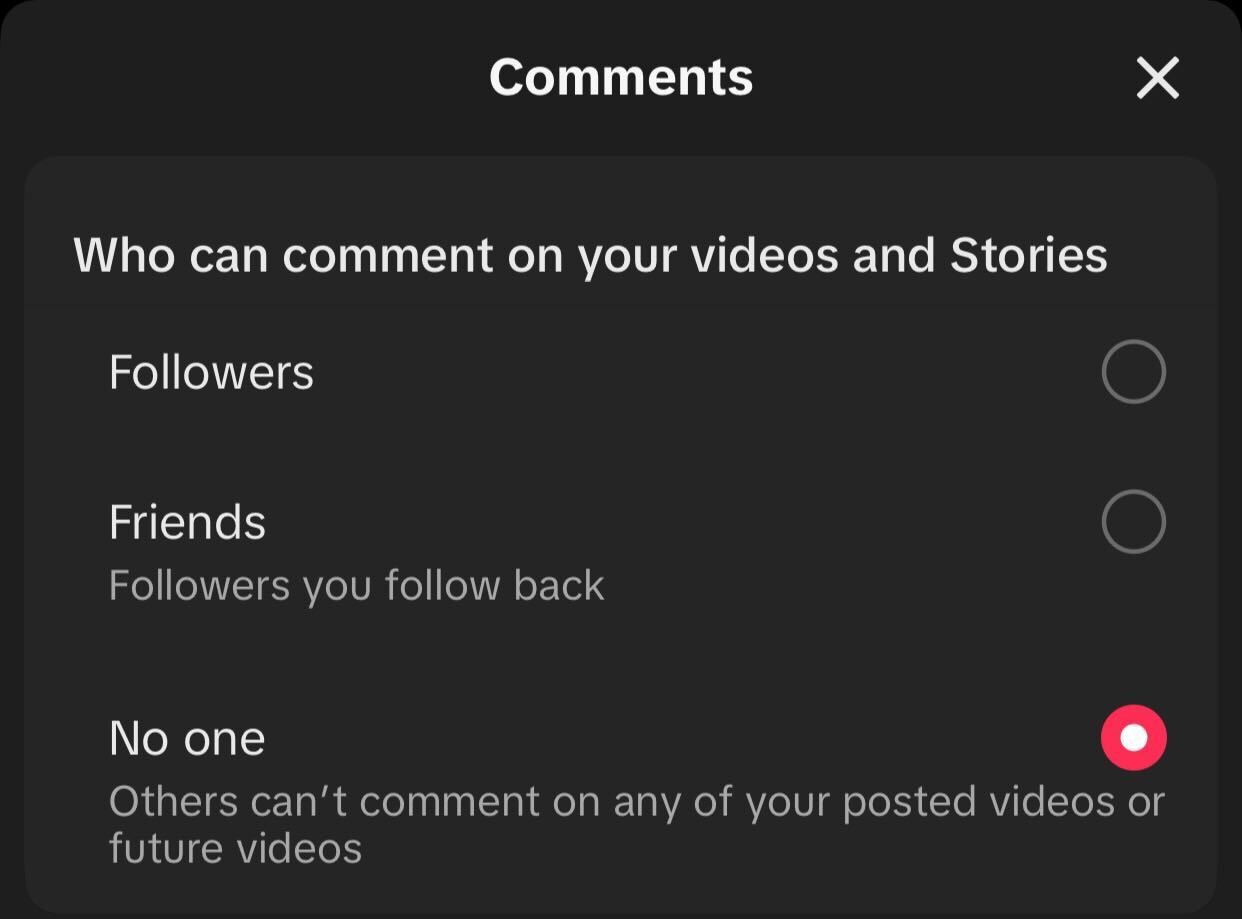
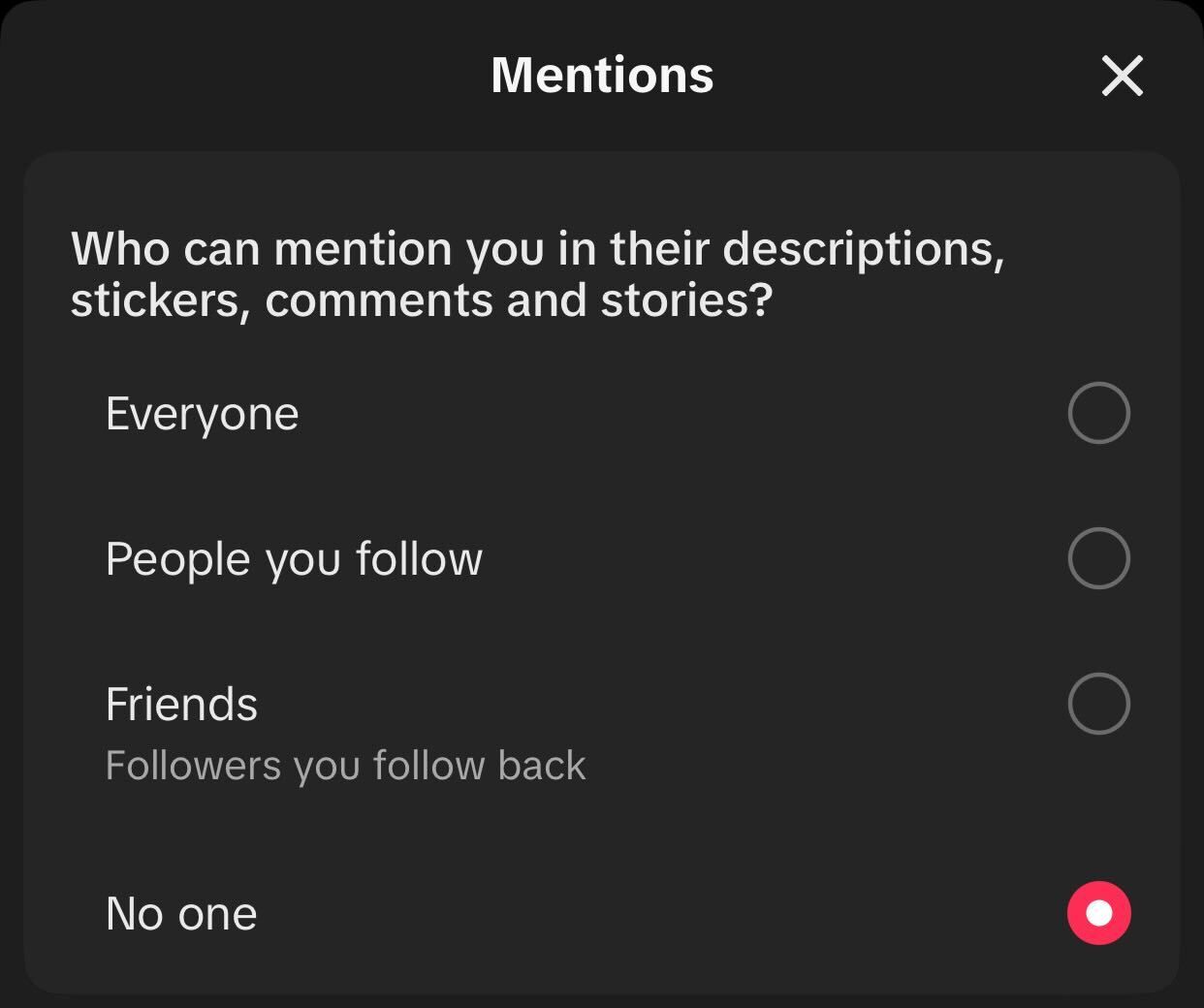
TikTok lets you fully control who can comment on your videos and offers additional settings to handle inappropriate comments. You can also restrict who can mention or tag you on the platform.
To manage comment settings, go to Settings and Privacy > Privacy > Comments. Tap “Allow Comments From” and choose your preferred option. You can enable the “Filter All Comments” toggle, which will only allow approved comments to appear on your videos. Also, you can filter out spam, offensive comments, and those containing specific words.
TikTok Privacy Settings
To control who can mention or tag you, go to Settings and Privacy > Privacy > Mentions and Tags, tap “Allow Mentions From,” and select your preferred option.
TikTok Privacy Settings
Make Your Following List Private
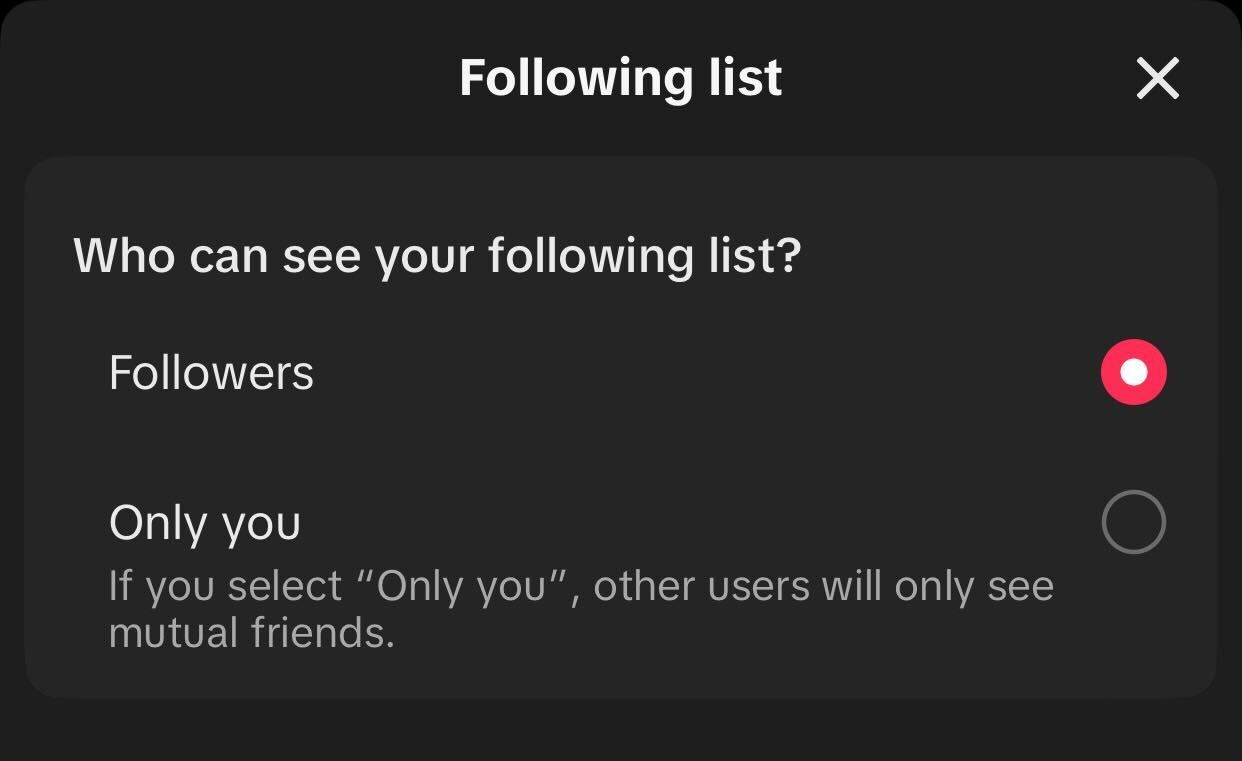
By default, TikTok allows your followers to view your entire following list, including mutual friends and users they don’t yet follow. This could enable them to track who you follow, potentially leading to unwanted interactions. If any of your followers have malicious intent, they could also target those individuals.
To prevent this, you should keep your following list private. Go to Settings and Privacy > Privacy. Tap on “Following List” and select “Only Me.”
Control Who Can Send You a DM on TikTok
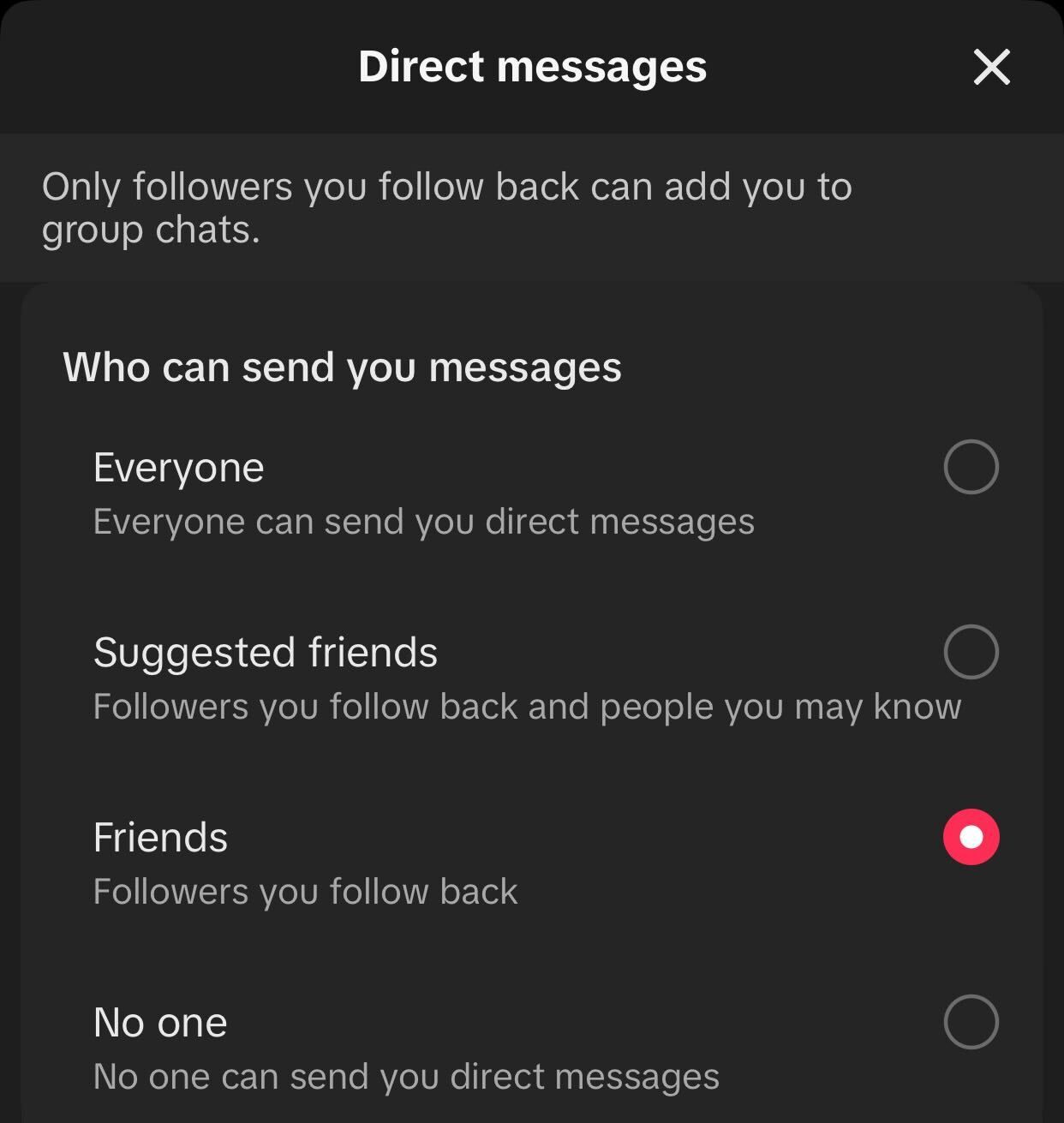
Similar to tags, comments, and mentions, TikTok allows you to control who can send you direct messages. This feature helps avoid getting inappropriate messages from random followers. To make your DMs more private, go to Settings and Privacy > Privacy > Direct Messages. Tap on “Allow Direct Messages From” and choose your preferred option.
You can also turn off the “Read Status” toggle to prevent others from knowing when you’ve read their messages. Additionally, you can enable “Safe Mode” to filter out messages with sensitive content. You can also turn on the ‘Nude Filter” to block nudity and filter messages containing specific keywords.
Change Your Ads Preferences
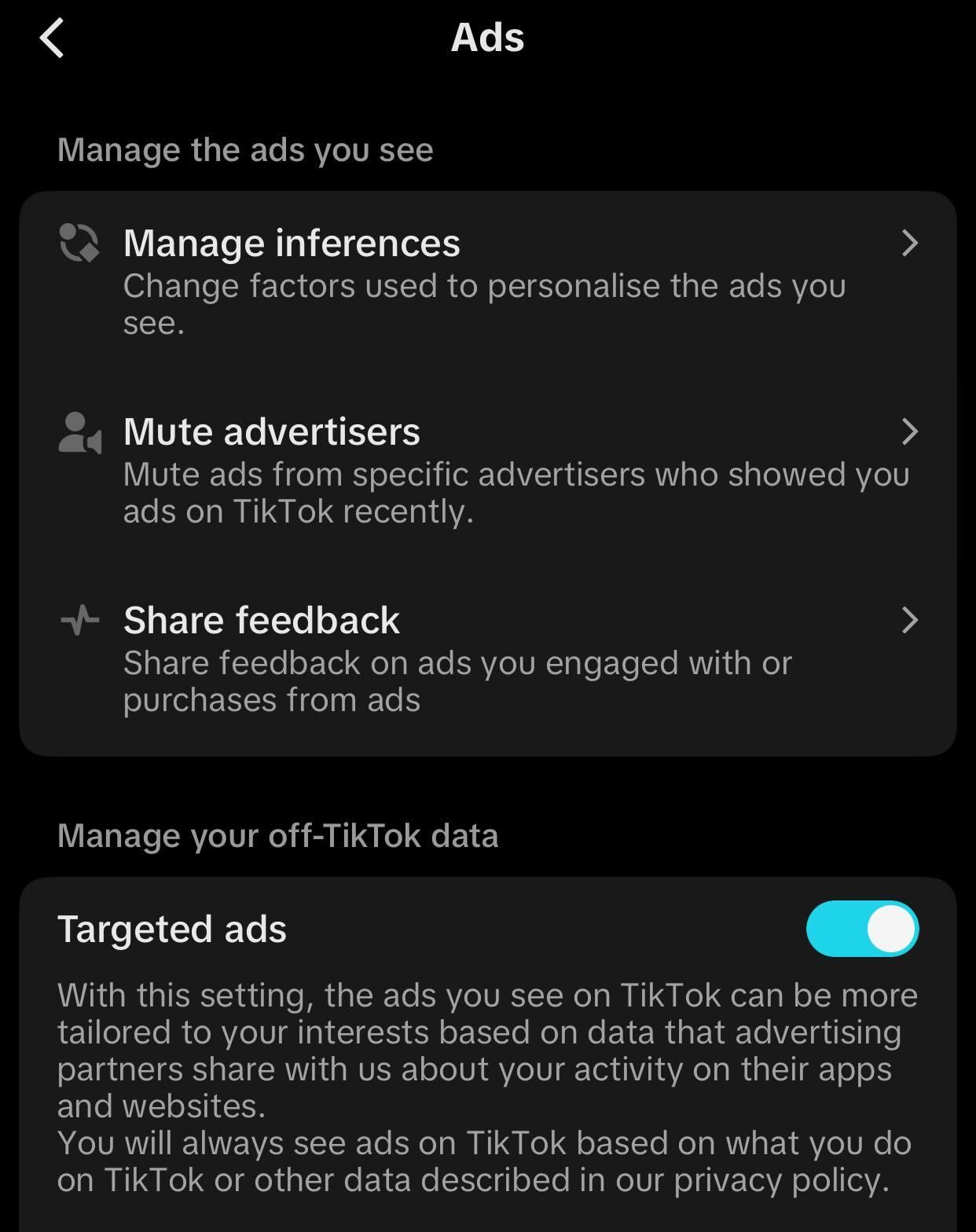
TikTok displays ads tailored to your interests, but you can turn off ads for specific interests if you want. You can also mute some advertisers if you don’t want to see ads from them.
TikTok uses data collected by its advertising partners from your activity on other apps and websites to show you personalized ads. TikTok refers to these as tailored ads. You can turn off these targeted ads to prevent the app from using your off-TikTok data.
To adjust your ad preferences, tap on the profile menu, tap the three horizontal lines in the top-right corner, and go to Settings and Privacy > Ads. Here, modify the settings as needed.
TikTok Privacy Settings 7: Turn Off Profile and Post Views History
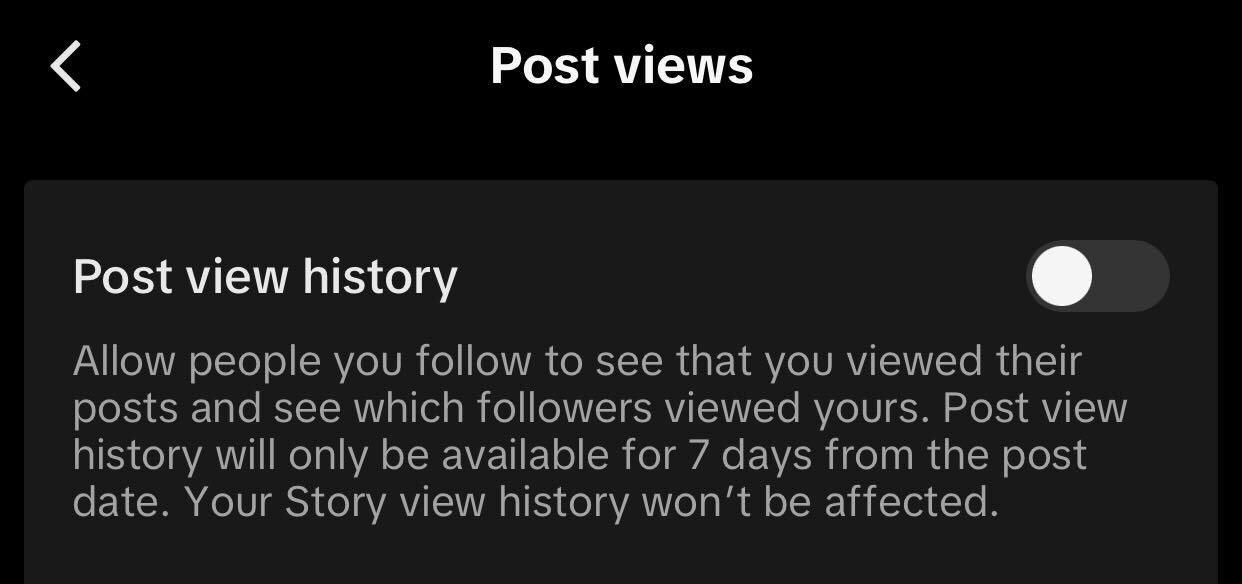
Enabling Profile Views History lets you see who viewed your TikTok profile. It also lets your followers know when you’ve checked their profile in the past 30 days. Similarly, Post Views History lets your followers see when you view their posts and allows you to see when they view yours.
If you’d prefer to keep this information private, you can turn off both features. To turn off these features, go to Settings and Privacy > Privacy. Scroll to the bottom, select “Post Views,” and toggle it off. Similarly, go to “Profile Views” and turn off the toggle. Remember that doing so will also prevent you from tracking who views your profile and posts.
Turn Off Location Services
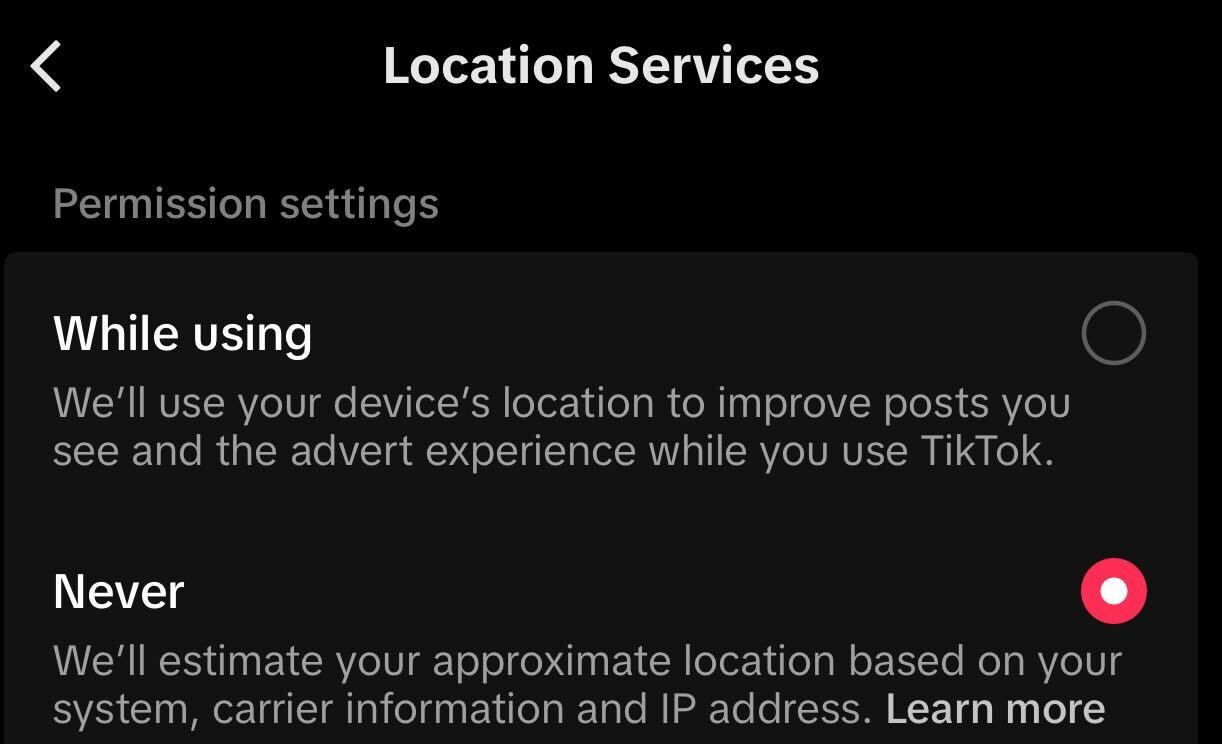
Like many apps, TikTok uses your device’s location to refine the content you see and tailor ads using that information. If you prefer not to share your precise location, you can disable location tracking permission. This will limit TikTok to estimating your location using your device, carrier information, and IP address. You cannot fully disable location tracking.
To adjust the Location Services setting, navigate to Settings and Privacy > Privacy > Location Services and select “Never.”
Turn Off Posts in Nearby Feed
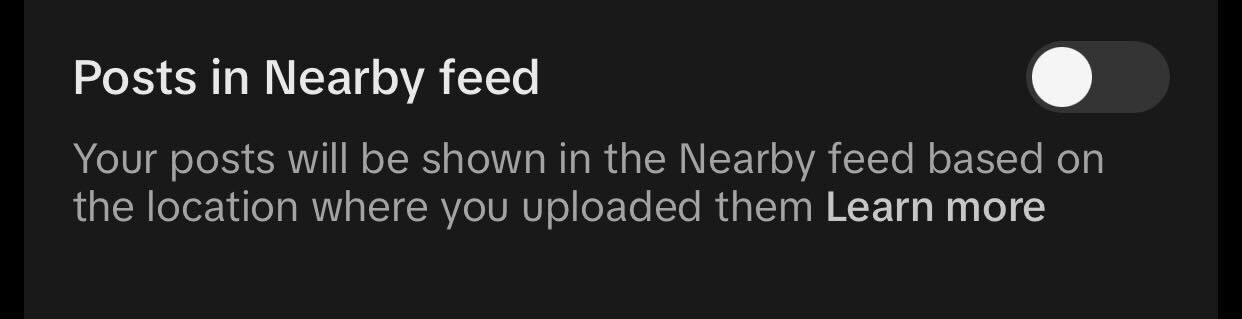
Nearby feed is a personalized feed on TikTok that displays content from local creators in your city, state, or province. By enabling the “Posts in Nearby Feed” feature, your posts will appear in this feed for users in your area. You can turn off this feature if you prefer to keep your content private from local users.
To turn off this feature, go to Settings and Privacy > Privacy and turn off the toggle next to “Posts in Nearby Feed.”
TikTok Privacy Settings
TikTok Privacy Settings10: Stop Sharing Your Data With Third-Party Services
When you log in to third-party websites or services using your TikTok account, they request permission to access some of your account information. Often, we grant this permission without even reviewing the terms and conditions. Once permitted, these apps continue to track your data even if you no longer trust them.
To protect your privacy, you should track and revoke access for any suspicious or untrusted services after every few months. To do this, go to Settings and Privacy > Security and Permissions > Apps and Services Permissions, and remove any services you no longer wish to share data with. Also, follow safe practices to privately browse the web.
Here are a few TikTok features designed to enhance your privacy. Keep in mind, though, that the app continues to monitor your location and gather various data as specified in its Privacy Policy. It’s a good idea to check out TikTok’s Terms and Policies to get a clear picture of the data they collect and its usage. Additionally, make sure to take the appropriate measures to protect your account.