

Your work IT colleagues probably seem a bit grumpy sometimes, and there’s a reason, with Security Tips they’re always busy working behind the scenes to keep you secure from hackers and other digital threats. You can make them less grumpy (and improve your own online security outside the office too) by following these tips.
- To keep your accounts and devices secure, do not open links in suspicious emails and pay attention to security warnings.
- Use strong, unique passwords, enable two-factor authentication, and never share your login details.
- Keep work and personal accounts separate, set passcodes on your devices, and avoid unusual requests.
Don’t Open Links in Emails That Lead to a Login Screen
It’s pretty common to receive an email with a link or a button that leads to a login screen, but you shouldn’t use them. It’s all too easy for a scammer to create their own fake login screen, email you a convincing looking email with a link, and then steal your password using it.
Instead, if you click on a link that lands you at a login page, close the browser tab or window, open a fresh one, and type in the address for the website yourself (or, if you’re using an app, re-open it). Once you’ve logged in to the right website, you can check your notifications from your account there.
Use Strong Passwords and Two-Factor Authentication (And Don’t Share Them!)
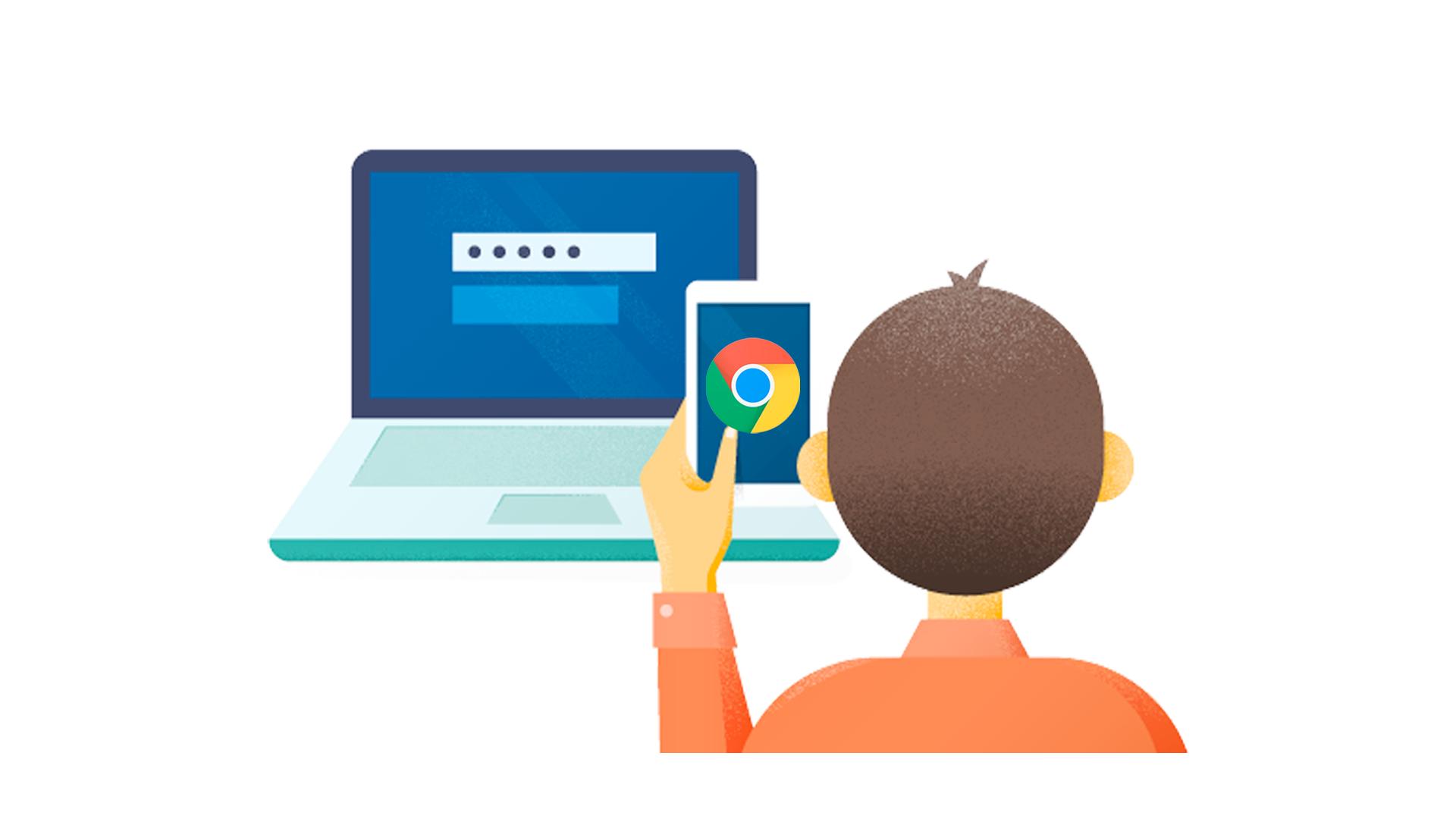
You should always use a unique password for every website, service, or app you use, and make sure they are strong.
If you re-use passwords for different services and one of them is breached, the hackers will try the password they stole on other sites to see if you reused it (this is called “credential stuffing”). If you give your logins to a friend (even for your Netflix account), it’s out of your control, and they might accidentally disclose it to someone else, leading to additional accounts being compromised in a chain of attacks.
Of course, you can’t be expected to remember all of these different passwords, so you should use a password manager to keep track of them. You should also enable two-factor authentication wherever possible, so that even if your password is leaked, attackers still won’t be able to access your accounts.
Don’t Ignore Windows Security Prompts (UAC)
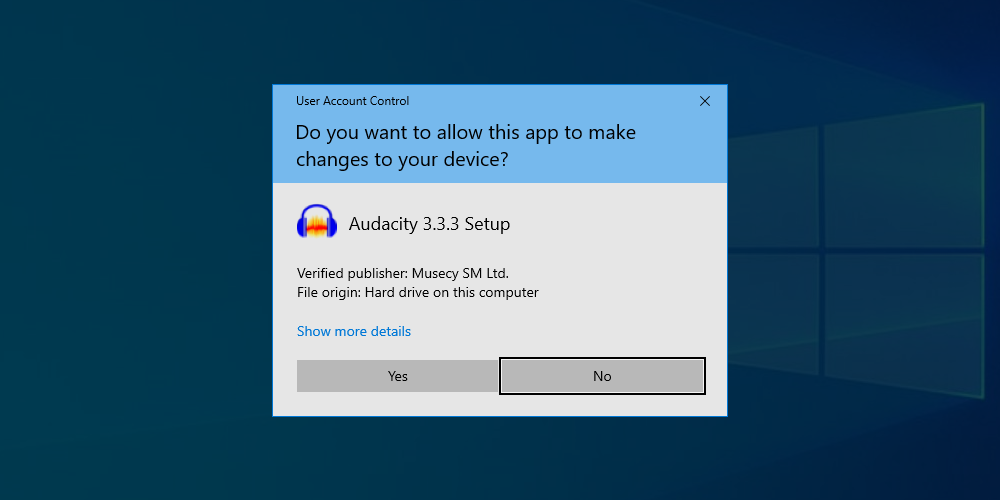
Every Windows user has seen these annoying security prompts from User Account Control (UAC). Whenever a change needs to be made to the system, one of these alerts will pop up and ask an Administrator to approve the action. While they’re annoying, you shouldn’t ignore them, and carefully read the information they display before dismissing them or allowing the change.
This is because viruses and malware will usually need some kind of Administrator access to burrow deep into your system. These prompts are designed to stop them from doing this. Make sure you check that the application requesting access is from a verified publisher, and from a source you trust. Importantly, make sure you understand why the prompt has been triggered: if a UAC security prompt pops up from an unknown program or when you haven’t taken any action, you should decline it and check your system for viruses.
Keep Your Work and Private Life Separate (Security Tips)
You don’t want your employer to know all the details about your personal life, and your employer doesn’t want you to be accidentally leaking company information through your social media profiles. Keep your work and private lives separate by using different email accounts and profiles for each. This helps prevent information from leaking, for example, by making it more difficult for you to accidentally put your dating schedule in the work calendar, or email a sensitive financial report to your yoga class.
Use Antivirus and Stay Up-To-Date (Security Tips)
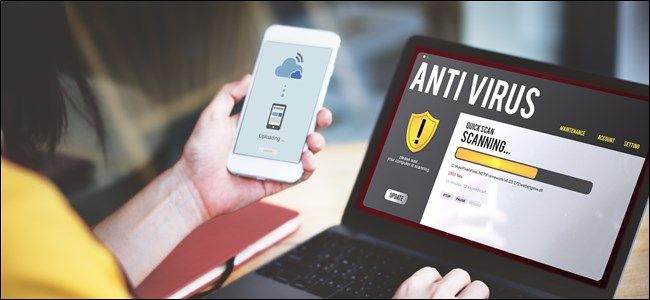
Installing a good antivirus package is a proactive measure that you can take to help prevent malware from getting onto your devices. Windows Defender is a good, free, default option that ships with Windows 10 and 11. Commercial antivirus suites offer additional functionality like VPNs for extra protection.
Learn How to use Windows and Your Other Software And Devices
Your life will be easier if you know how to use your phone, tablet, and laptop properly. It might take a bit of a time investment, but it’ll pay off: you’ll be able to do things faster, make less mistakes, and you’ll know when something isn’t working properly. When you can tell that something isn’t quite working as it should, you can investigate by running a virus scan, or seek expert help to resolve the problem.
If there’s something tech related you aren’t sure about, you can search our thousands of articles and find the answer from one of our experts. You can also subscribe to our newsletter to stay up to date with all the latest gadgets, apps, and feature updates.
Don’t Panic!

If something isn’t working as expected on your device, stay calm. Don’t start mashing buttons or swiping all over the place, as you’ll only lose track of where you are or make things worse. By randomly tapping on alerts and notifications in frustration, you could grant a virus access to something accidentally (for example, by allowing one of the UAC prompts discussed above).